How to reduce unused JavaScript in your code?
Learn how to enhance your application's performance by reducing unused JavaScript in your code. We will discuss various techniques with code examples.

Share this article


Cutting down on JavaScript is super important when you're building modern websites. It's a big deal for making your pages work well and be more efficient overall.
As technology in software keeps growing, everyone wants websites to be quicker and work better, with less JavaScript taking up space. If you have extra JavaScript that you're not using, it just makes your web apps bigger and slower.
This article will show you some tricks and tips to get rid of this extra JavaScript, so you can save time, make your website work faster, and make things run more smoothly.
What is unused JavaScript?
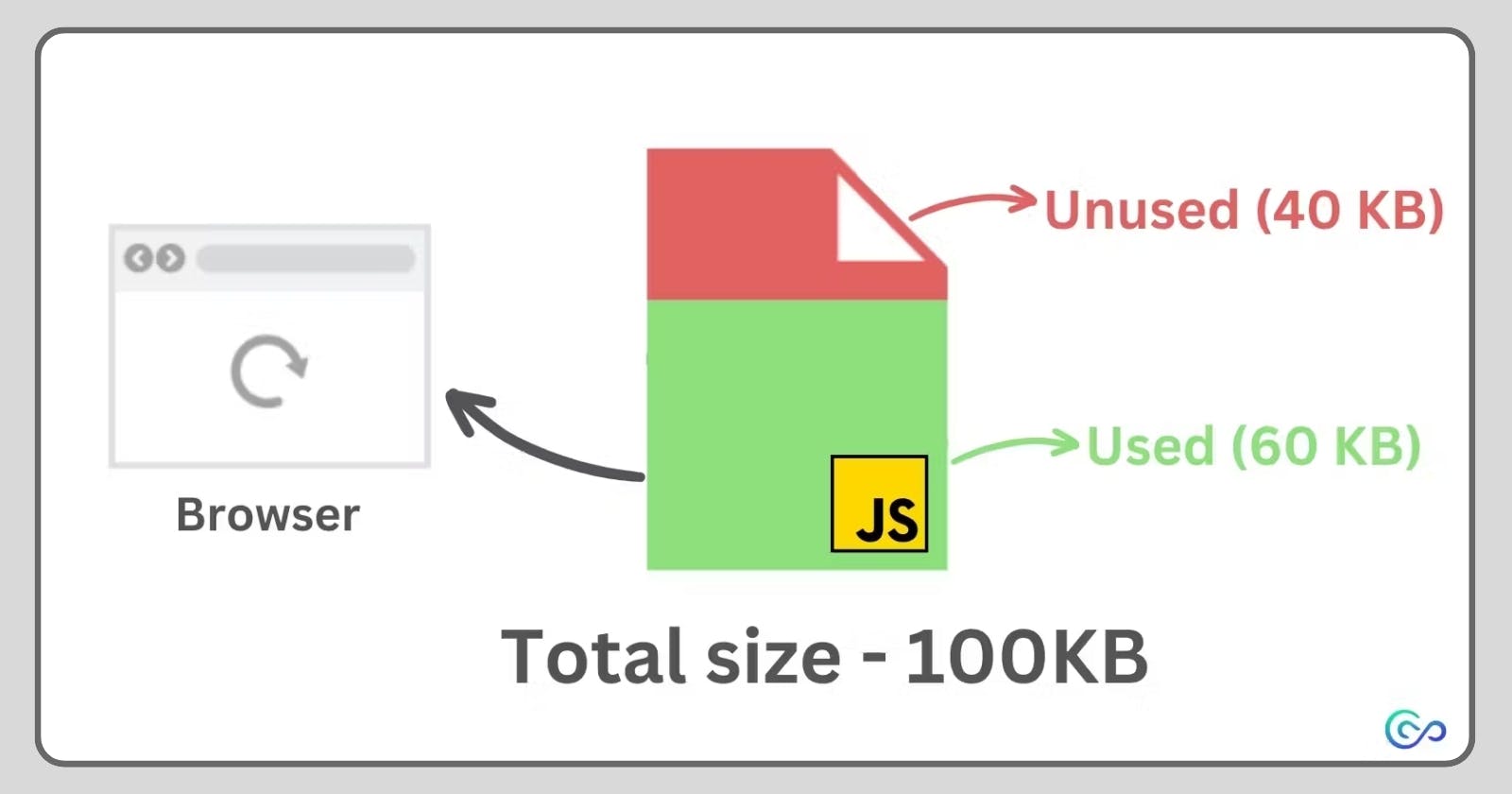
Simply put, unused JavaScript, often referred to as "dead code," is any code in your web app that the app doesn't use or require, yet it's still present in the JavaScript bundle sent to the browser. This idle code just hangs around, making your JavaScript bundle larger, and that can affect how well your website performs.
There are a few reasons why you might have unused code in your JavaScript bundle.
One common reason is that you added code during development, but as your project progressed, you ended up not needing it anymore. Unfortunately, you might forget to take it out when you send the final bundle to the browser. This unused code could be functions, classes, or variables that are just sitting there, not doing anything in your app.
Another reason could be unused dependencies. This means you're using external JavaScript code in your project that you don't need. What's worse, these external bits of code might have their own unused JavaScript, adding even more unnecessary stuff to your project. It's like having extra baggage that your website doesn't need, and it can slow things down.
Removing unused code:
You can get rid of unused JavaScript in your web apps using a few methods. These tips and tricks will assist you in sending out JavaScript bundles that are stronger and work more efficiently on the web, whether you're using basic JavaScript or specific libraries/frameworks such as React, SolidJS, or Vue.js.
Code Splitting:
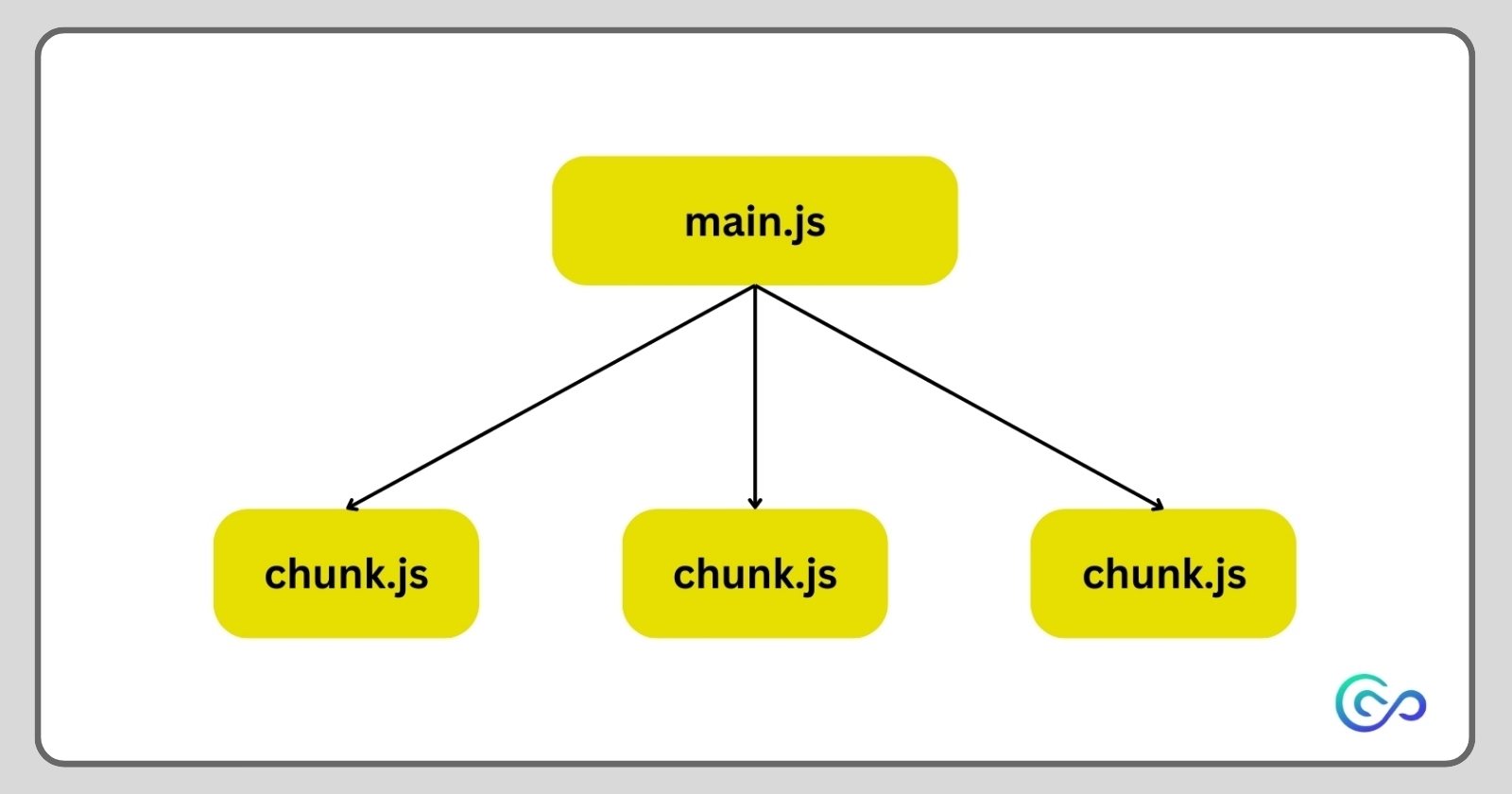
Code splitting is like breaking down your JavaScript code into smaller, more manageable pieces. Then, you can load these pieces when you need them or all at once, making it so you don't have to load your entire JavaScript package every single time—just what you need.
Imagine having just one JavaScript bundle that looks something like this:
<script src="main.js"></script> // 100kb file
You can split it into smaller chunks that can be downloaded only when needed:
<script defer src=><script>