How to create a link previewer with Next.js?
In this blog we will discuss about building your own link previewer with NextJs.

Share this article


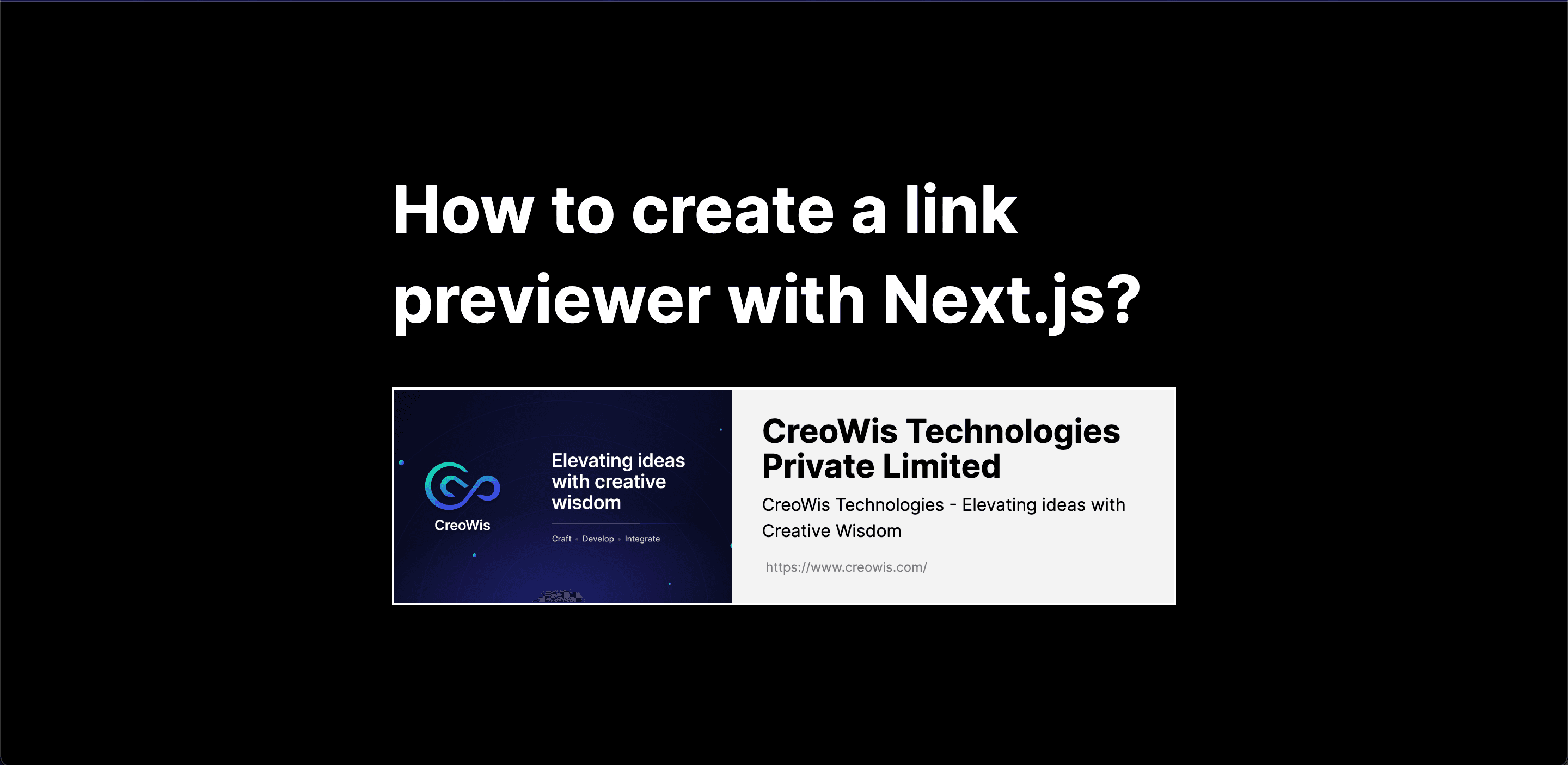
Hey there! Ever wondered how to make your shared website links stand out on platforms like LinkedIn, Twitter, or WhatsApp? Well, you're in for a treat because we're about to dive into the exciting process of crafting captivating link previews that will elevate the user experience!
So, picture this: You've got a fantastic website, and you want to share it with the world. But how do you make that link look as awesome as your content? That's where NextJs with server components comes into play. Trust me, and it's the secret sauce to constructing visually appealing and informative link previews that will grab attention and leave a lasting impression.
Now, here's a little heads-up. While you do have the option to use client components, we strongly recommend going for server components. Why? It's all about avoiding those pesky CORS (Cross-Origin Resource Sharing) issues that could rain on your parade. The examples we provide are designed with your peace of mind, ensuring a smoother implementation without the headaches associated with cross-origin requests.
So, buckle up and prepare to take your link-sharing game to the next level with NextJs and server components. It's time to make those link previews pop and leave everyone clicking for more! 🚀
Initial Project Setup
Alright, let's kick things off with setting up our NextJs project! Follow these steps, and you'll be on your way to crafting those stunning link previews in no time.
npx create-next-app@latest
How to Create the Initial Pages
Let's prepare a page.js file for the project. Create the file and add the following code:
import LinkPreview from "./components/LinkPreview";

const Page = () => {
  return (
    <div className="h-screen w-full flex justify-center items-center">
      <LinkPreview />
    </div>
  );
};

export default Page;
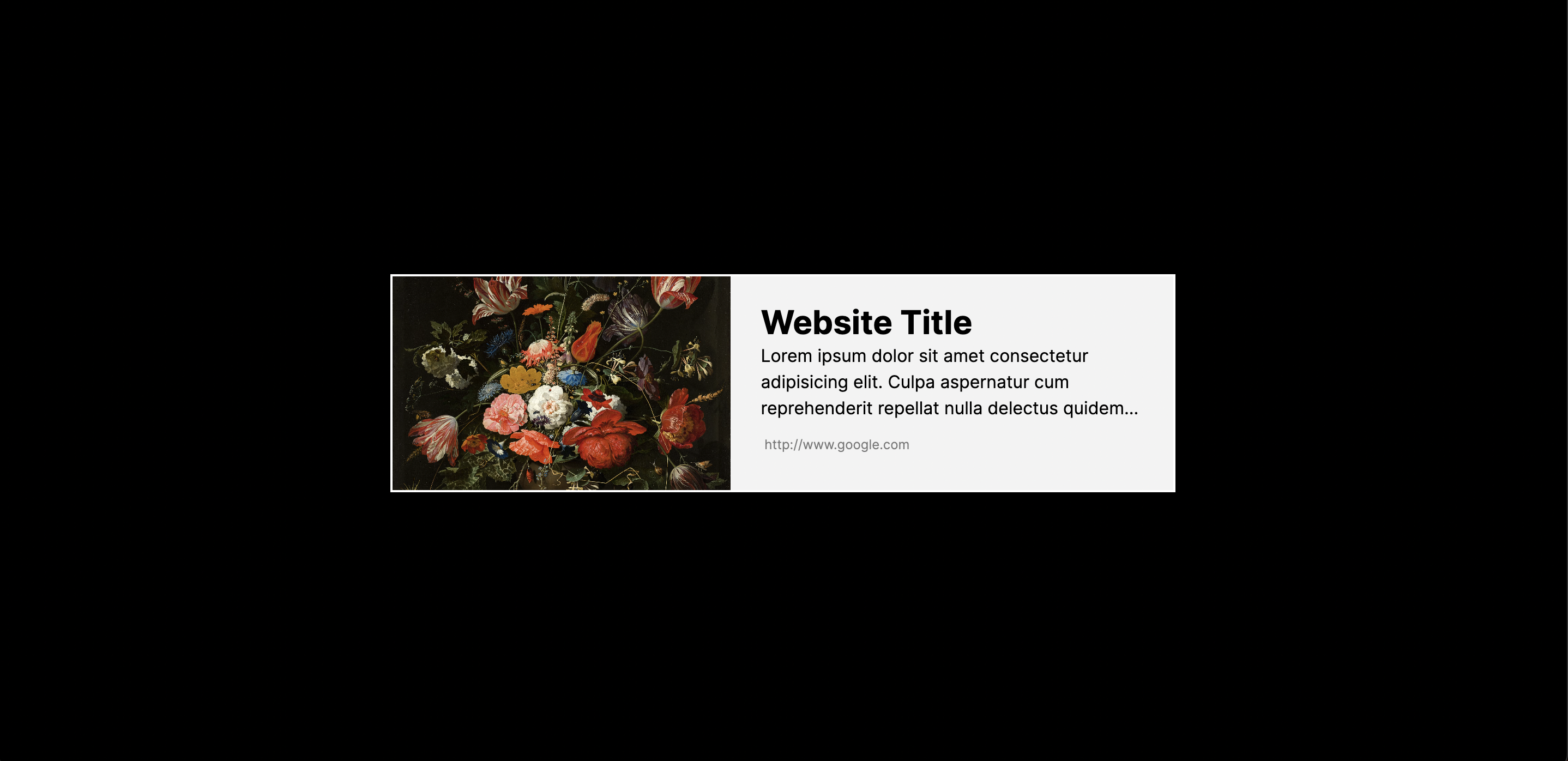
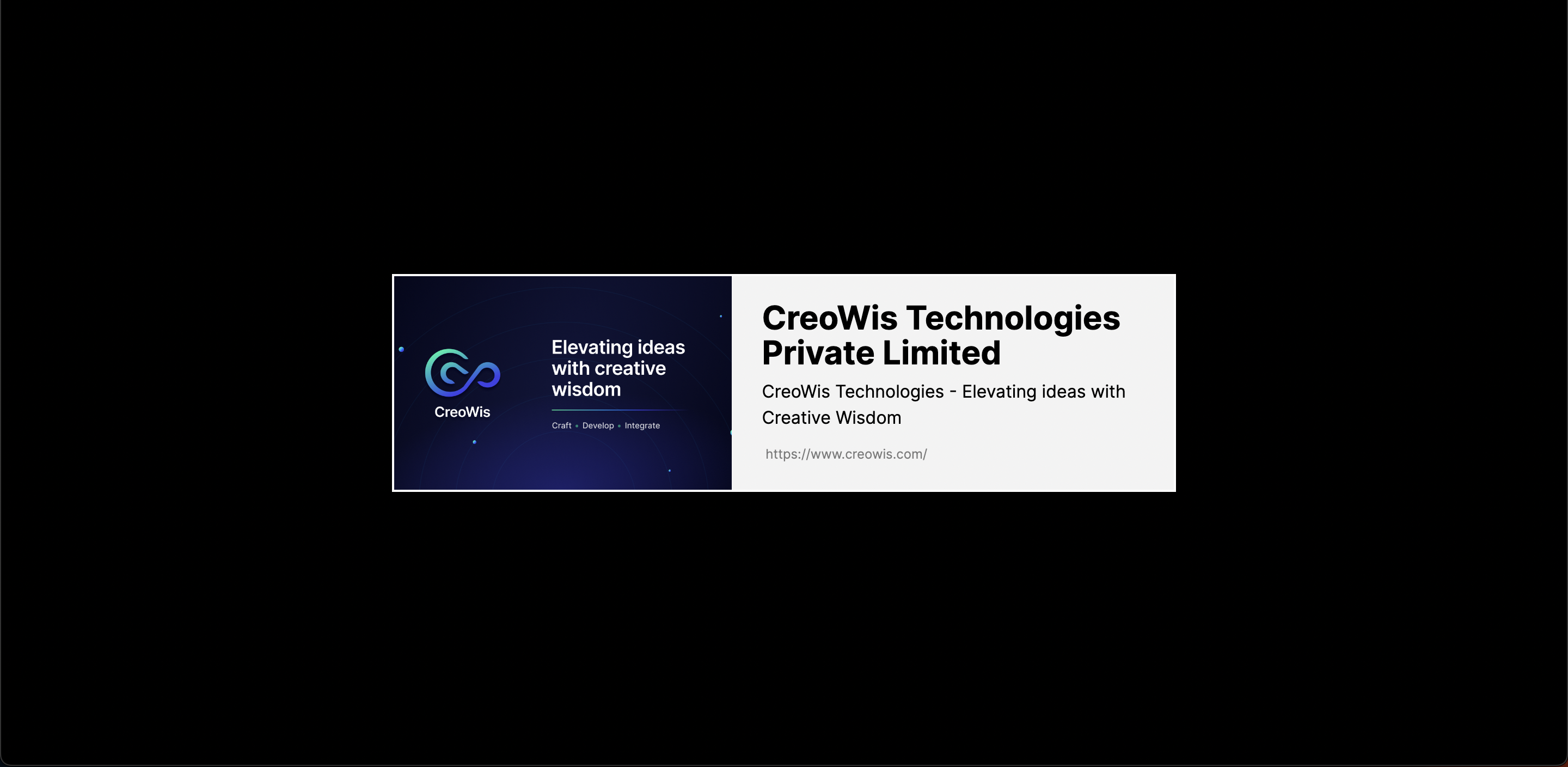
Let's set the stage for our project by creating a super cool component! Head over to the "components" folder and work your magic in a file called LinkPreview.js. I'm hooking you up with some HTML code and basic Tailwind CSS styling in this file. It's like a sneak peek of the fantastic appearance we want for our link previews. This component is your go-to for bringing the link data to life visually. Ready to make those links pop on the screen? Let's do this! 🎨